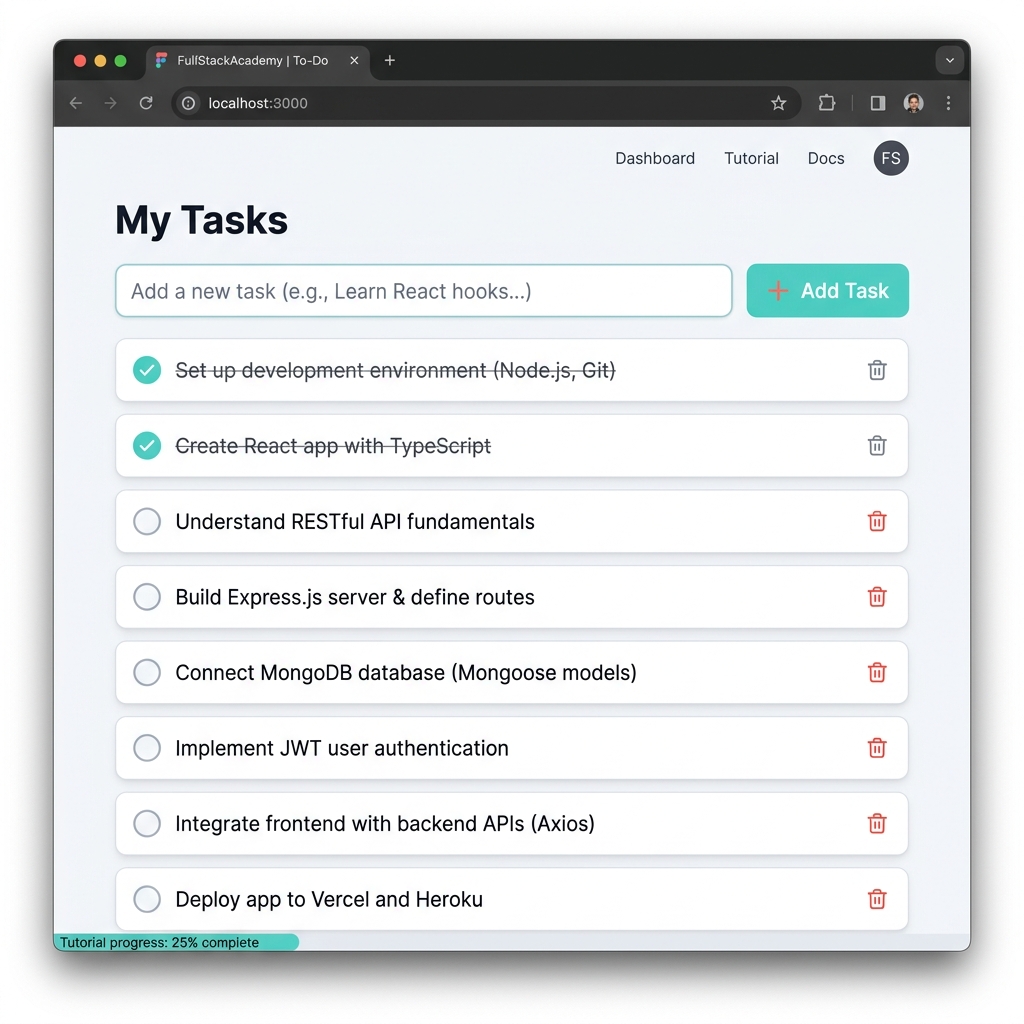
Building a CRUD Application
CRUD stands for Create, Read, Update, and Delete. These are the four basic functions of persistent storage. In this tutorial, we will build a Todo List application that implements these operations using modern web technologies.
Backend
Setting up Node.js & Express
First, initialize your project and install dependencies.
npm init -y
npm install express cors body-parser
Create a simple server.js file:
const express = require('express');
const cors = require('cors');
const app = express();

app.use(cors());
app.use(express.json());

let todos = [
    { id: 1, task: 'Learn Angular', completed: false },
    { id: 2, task: 'Build an API', completed: false }
];

app.get('/api/todos', (req, res) => res.json(todos));

app.post('/api/todos', (req, res) => {
    const newTodo = { id: Date.now(), ...req.body };
    todos.push(newTodo);
    res.json(newTodo);
});

app.listen(3000, () => console.log('Server running on port 3000'));
Frontend
1. The Angular Service
The Service is the "messenger" that talks to your Node.js backend. It handles all the HTTP communication using Angular's HttpClient.
// todo.service.ts
import { HttpClient } from '@angular/common/http';
import { Injectable } from '@angular/core';

@Injectable({ providedIn: 'root' })
export class TodoService {
  private apiUrl = 'http://localhost:3000/api/todos';

  constructor(private http: HttpClient) {}

  getTodos() {
    return this.http.get(this.apiUrl);
  }

  addTodo(task: string) {
    return this.http.post(this.apiUrl, { task, completed: false });
  }
}
Logic
2. The Angular Component Logic
The Component is the "brain." It receives data from the Service and stores it in variables that the HTML template can see.
// todo.component.ts
import { Component, OnInit } from '@angular/core';
import { TodoService } from './todo.service';

@Component({
  selector: 'app-todo',
  templateUrl: './todo.component.html'
})
export class TodoComponent implements OnInit {
  todos: any[] = [];

  constructor(private todoService: TodoService) {}

  ngOnInit() {
    this.todoService.getTodos().subscribe((data: any) => {
      this.todos = data;
    });
  }

  addTask(task: string) {
    this.todoService.addTodo(task).subscribe((newTodo) => {
      this.todos.push(newTodo);
    });
  }
}
Interface
3. The User Interface (HTML)
Finally, the HTML template uses *ngFor to display the data stored in the component.
<div class="todo-container">
  <h1>My Tasks</h1>
  <input #taskInput type="text" placeholder="Add a new task...">
  <button (click)="addTask(taskInput.value)">Add</button>

  <ul>
    <li *ngFor="let todo of todos">
      {{ todo.task }}
    </li>
  </ul>
</div>
Key Learnings
- RESTful API: How to design endpoints for different CRUD actions.
- Cross-Origin Resource Sharing (CORS): Enabling your frontend to talk to your backend.
- Angular Services: Abstracting data logic away from components.